


Laptop Arm with Gas Spring
A gas spring arm that lifts your laptop off the desk and holds it at eye level. It takes laptops from 13 to 17 inch weighing up to 8 kilos, and clamps to a desktop of up to 7 centimetres thick.
Read moreRead less
A laptop on the desk is a screen about thirty centimetres too low. Every hour behind it is an hour with the neck bent forward, which is why a laptop stand is the first thing most people add to their desk. This arm does the same work, but gives the desktop back instead of taking it up.
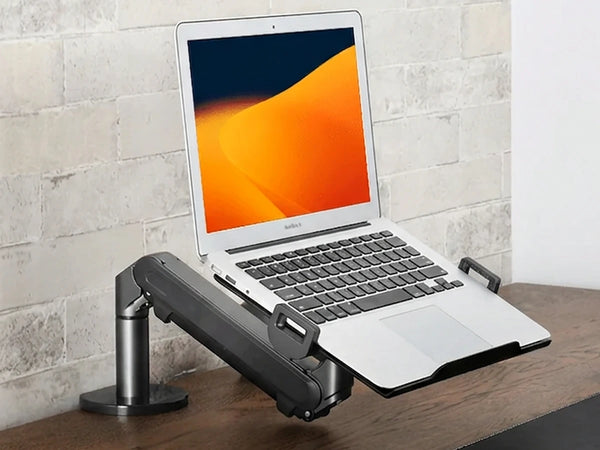
The gas spring carries laptops from 13 to 17 inch up to 8 kilos and holds every height from the desktop to roughly fifty centimetres above it. The arm is built from two sections, and leaving the lower one out drops the tray to just above the desk for anyone who wants the laptop close by rather than high up. The tray tilts ninety degrees up and down and the arm swings fully aside, so the screen can be angled and the whole arm moved out of the way in one movement.
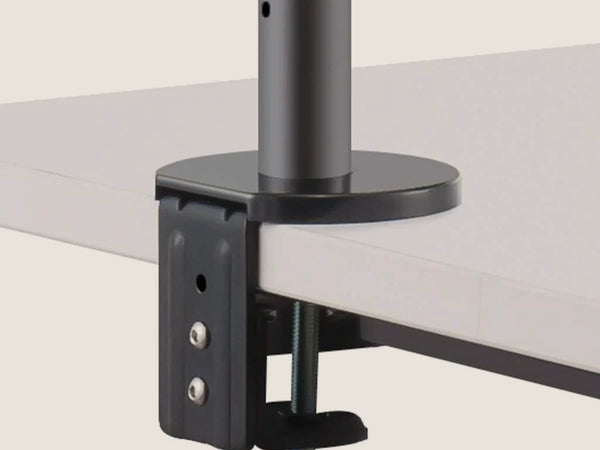
The arm clamps to a desktop from 1 to 70 millimetres and needs no hole. The clamp spreads the load across the edge of the desk, so the arm stays stable while the laptop changes height. Everything needed to fit it is in the box.
 Alberenz scores 4,8 on Trustpilot
A laptop screen belongs at eye level.
The screen comes up to you
A laptop on the desk sits roughly thirty centimetres below eye level, which is why the neck bends forward all day. The gas spring brings the screen up to where you are already looking and pulls it towards you, in one smooth movement with one hand.
It works next to a monitor
The laptop screen sits at the same height as your monitor, so you move from one to the other without dropping your head. When you do not need the laptop, push the arm aside and the desk is clear again.
The screen comes up to you
A laptop on the desk sits roughly thirty centimetres below eye level, which is why the neck bends forward all day. The gas spring brings the screen up to where you are already looking and pulls it towards you, in one smooth movement with one hand.
It works next to a monitor
The laptop screen sits at the same height as your monitor, so you move from one to the other without dropping your head. When you do not need the laptop, push the arm aside and the desk is clear again.
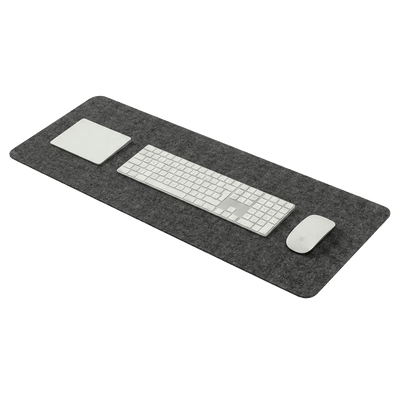
Finish the rest of the desk in the same style.
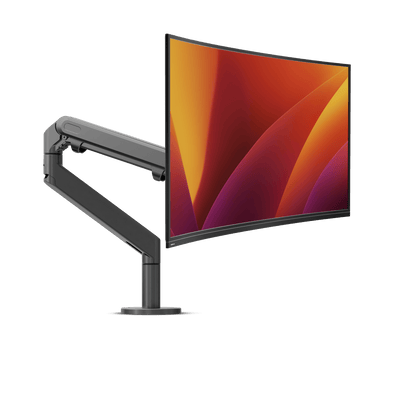
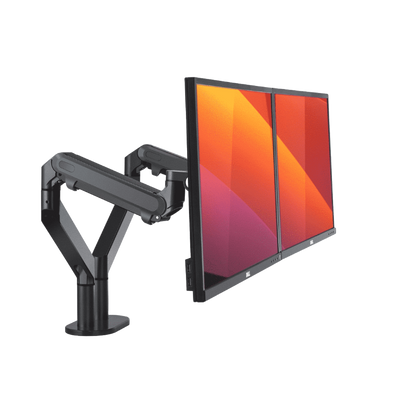
The monitor arms below share their shape and their dark grey finish with the laptop arm. Your laptop and one or two screens then stand side by side on a desk that reads as one whole.
See the arm move.
Height, angle and reach in one short film. The gas spring carries the weight, so one hand is enough.
Will it fit your desk and your laptop?
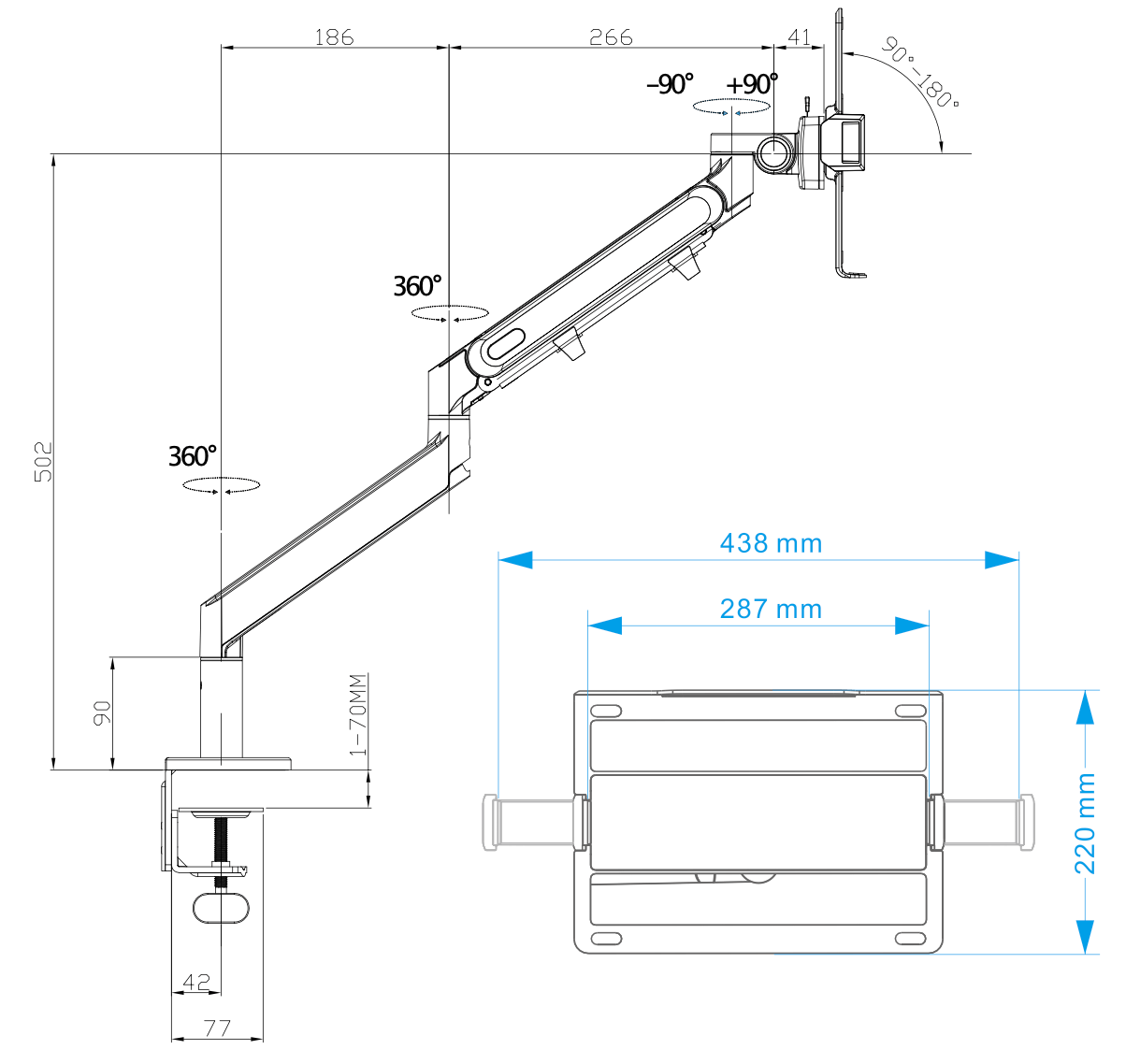
The measurements to check before you order.
The full details.
This arm carries a laptop on a tray and has no VESA plate. For a monitor, one of the Alberenz monitor arms is the right choice.
Frequently asked questions
Does my laptop fit?
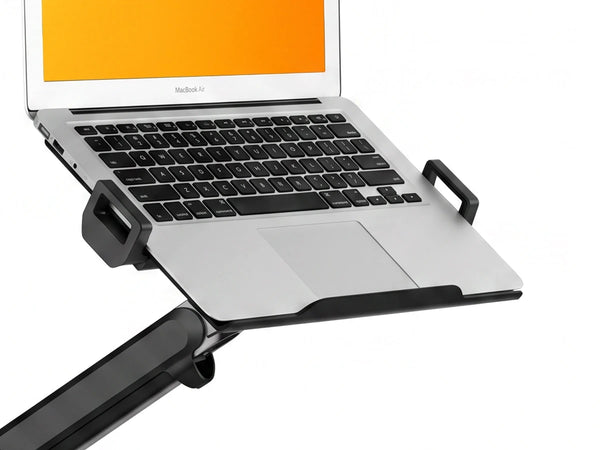
Any laptop from 13 to 17 inch up to 8 kilos. The tray measures 438 mm across the outside, 287 mm between the two clamps and 220 mm deep, so a 16 inch MacBook Pro has room to spare.
How high does it go?
Up to about 50 centimetres above the desktop, and all the way back down to the desk. The gas spring holds every position in between, so the screen can be set to eye level whether you sit or stand.
Can the laptop sit lower?
Yes. The arm is assembled from two sections. Leave the lower one out and the tray sits just above the desk instead of high above it. Both are in the box, so the choice can be made at assembly and reversed later.
Do I need to drill?
No. The arm clamps to the edge of the desk and holds tops from 1 to 70 millimetres thick. There is no grommet option, so the desktop stays undamaged.
Does the laptop stay in place?
Yes. Two rubber clamps close over the sides of the laptop and hold it on the tray, also while the arm is being moved.
Do the clamps block my ports?
Usually not. The clamps close over the sides of the laptop, roughly halfway along its depth. On a MacBook the ports sit closer to the screen, so they stay clear. If your laptop does have a port at that point, slide it a little forward or backward on the tray, and each clamp has an opening for a cable to pass through. If a connection still sits behind a clamp, an angled cable or a small hub solves it.
Can I use it next to a monitor?
Yes. The arm swings fully aside, so the laptop can stand beside an external screen and move out of the way when it is not needed. There is also a version with a monitor arm and a laptop arm on one base.
Does the arm sag under a heavier laptop?
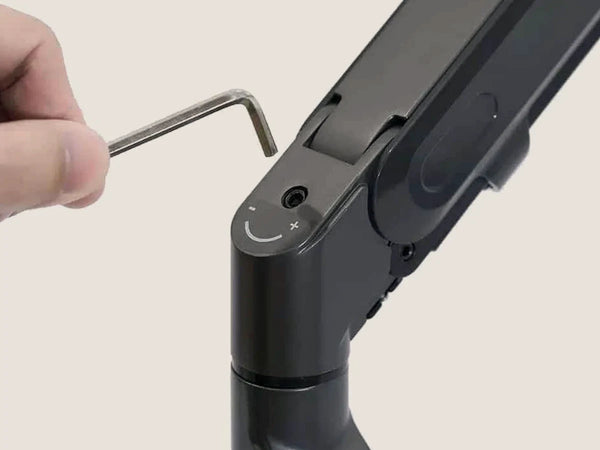
The gas spring is set with a single hex screw and the key is in the box. Turn the tension up for a 17 inch laptop and down for a light one, and the arm stays where you leave it.
Can I mount a monitor on it?
No. This arm carries a laptop on a tray and has no VESA plate. For a screen, choose one of the Alberenz monitor arms.
What is in the box?
Both arm sections, the laptop tray, the desk clamp, the hex key and the instructions. Nothing else is needed.
What about warranty and delivery?
The arm comes with a five-year warranty, free shipping and free returns.
A screen you look straight at.
Free shipping, free returns and a five-year warranty.


